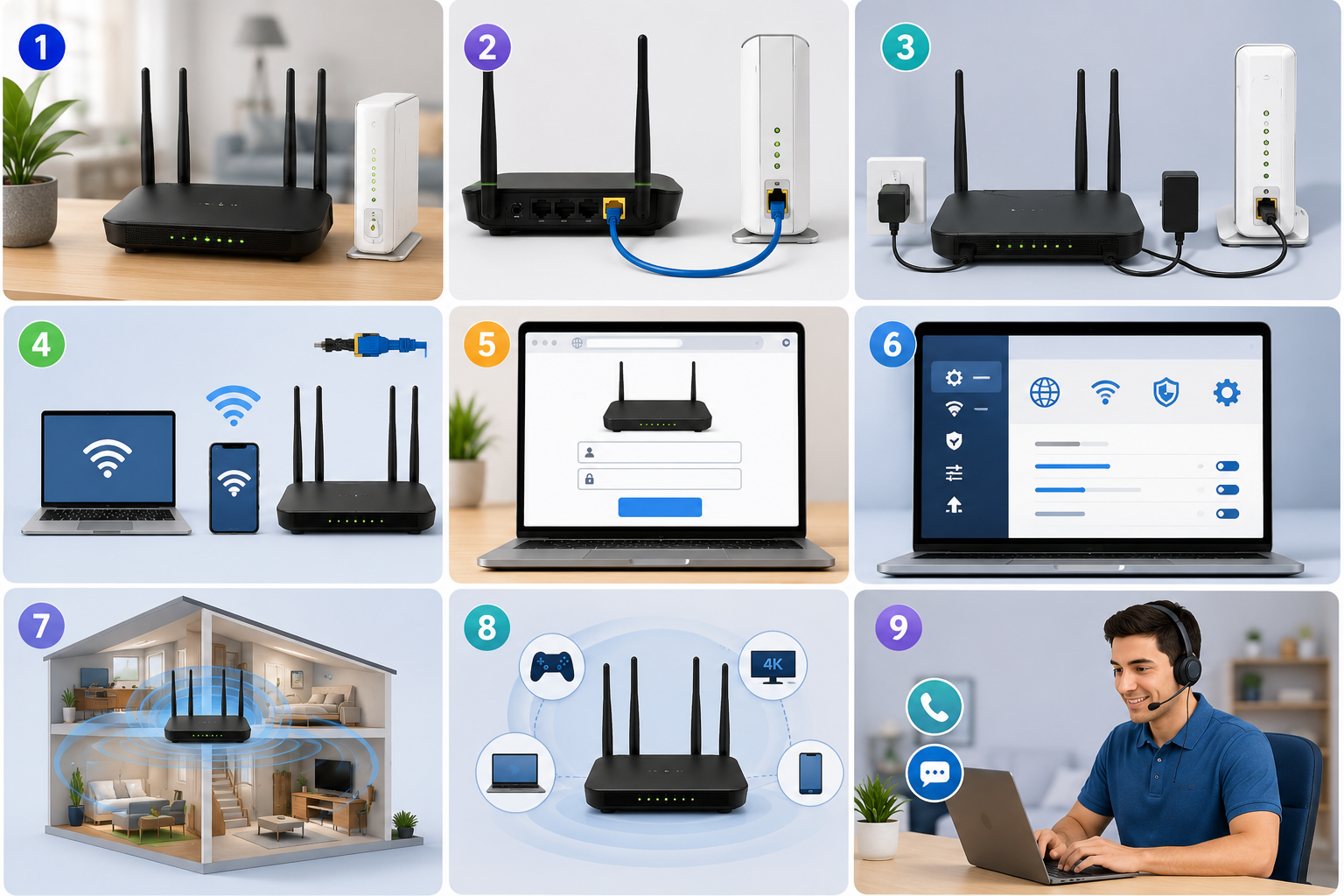
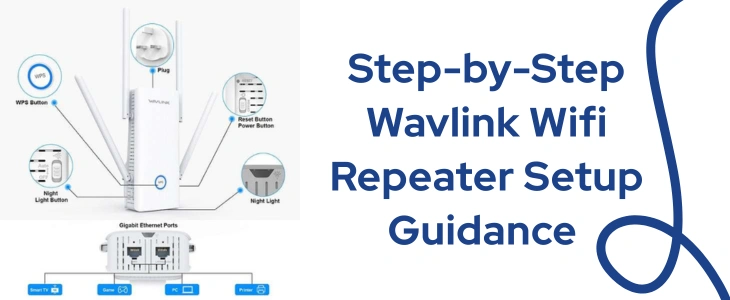
Wavlink AC600 is a powerful gadget that operates on dual frequency bands and offers dependable speeds of up to 600Mbps. The best part is that you can use it in multiple modes like in a repeater mode, access point mode and more. It is basically a versatile device for both your home and office space. So did you also get your hands on one of them? If the answer is yes, then this blog post helps you with the Wavlink ac600 setup. The setup process is simple and one can complete it in less than 10 minutes especially when done using the WPS button. So let’s get into it.
Wavlink AC600 Setup Via WPS
The WPS button allows you to complete the AC600 setup with just the push of a button. You do not require anything except a router with a WPS button. So the exact steps are as follows:
- Initially deploy the AC600 close to the router. Make sure the router is on and then activate the Wavlink device. Wait for a while. Move ahead when the power LED turns stable.
- On AC600 find out the button with two arrows, it is the WPS button. Push it and check the WPS LED, it must be blinking.
- Thereafter not taking more than 120 seconds activate the WPS function of the host which is the router.
- Finally wait for the smart WPS indicators to turn stable and solid. Once the lights are solid, you can come to the conclusion that the Wavlink ac600 setup is successful.
- Lastly, all you have to do is reposition it strategically, so that it can do its job of repeating the signals effectively.
Manual Setup Via Internet Browser
Here comes the guidance for the second Wavlink ac600 setup method. This method is widely used especially by experts as this allows for deeper configuration and is also good for security purposes. The steps are:
- First join the ac600’s hardware properly and then bring it closer to the router. Power it on. Hold on till it completes its booting process.
- Now pick your laptop or any smart device. Open its settings page and from there turn on the wifi. As you do so the nearby networks list pops out. From this list connect to Wavlink network.
- Thereafter launch the web browser. The browser must be compatible as well as up-to-date. The compatible options for Wavlink ac600 setup are chrome, firefox, safari, edge as well as internet explorer.
- Now in the address blank of the browser type wifi.wavlink.com and push enter. The alternative is http://192.168.10.1. This brings you to the login window. First choose the language. Then fill up the passkey. By default it is set as “admin”. Tap on Login to enter the setup board.
- Finally follow the setup instructions that the interface prompts. If you are using the ac600 in a repeater mode then you must know about the router’s network credentials. After the setup completes, realign the device strategically for complete coverage.
For further concerns, feel free to connect with the customer support team.